How CrowdSec is wired into the Caddy reverse proxy in front of a self-hosted home lab - a custom xcaddy build with the CrowdSec bouncer plugin, the scenarios that parse Caddy's access log for attacks, the community blocklist that bans IPs before they ever probe you, and the actual numbers seen after a week of internet exposure.
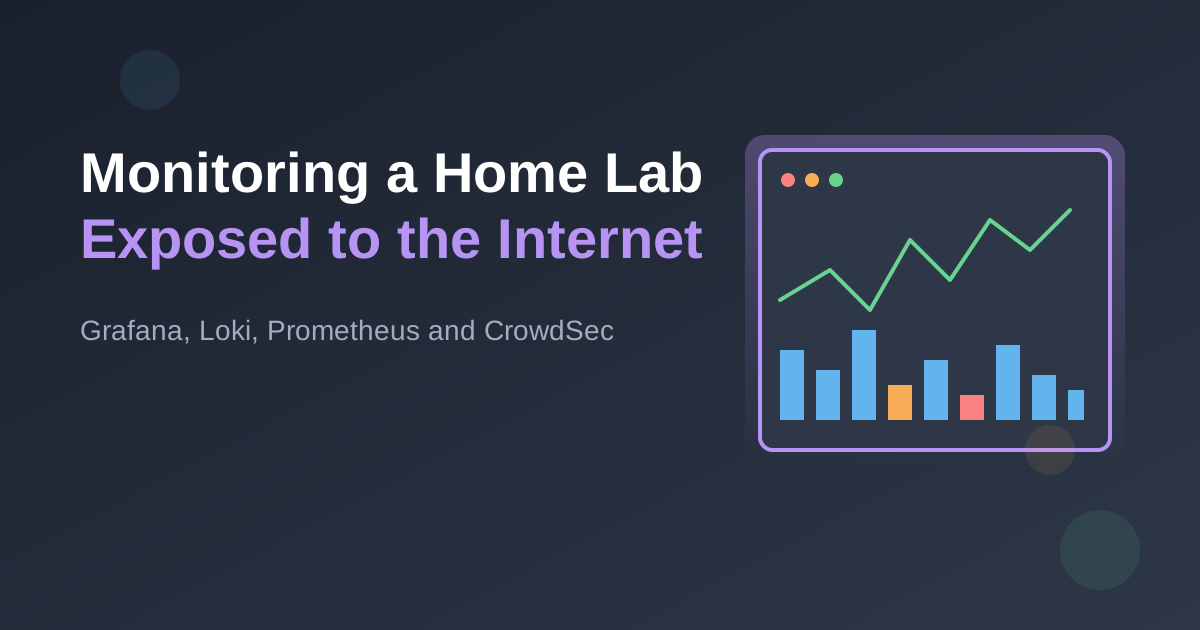
How I monitor a home lab after opening it up to the internet - Caddy access logs shipped through Grafana Alloy into Loki with GeoIP enrichment, Prometheus scraping Caddy metrics, all tied together in Grafana.
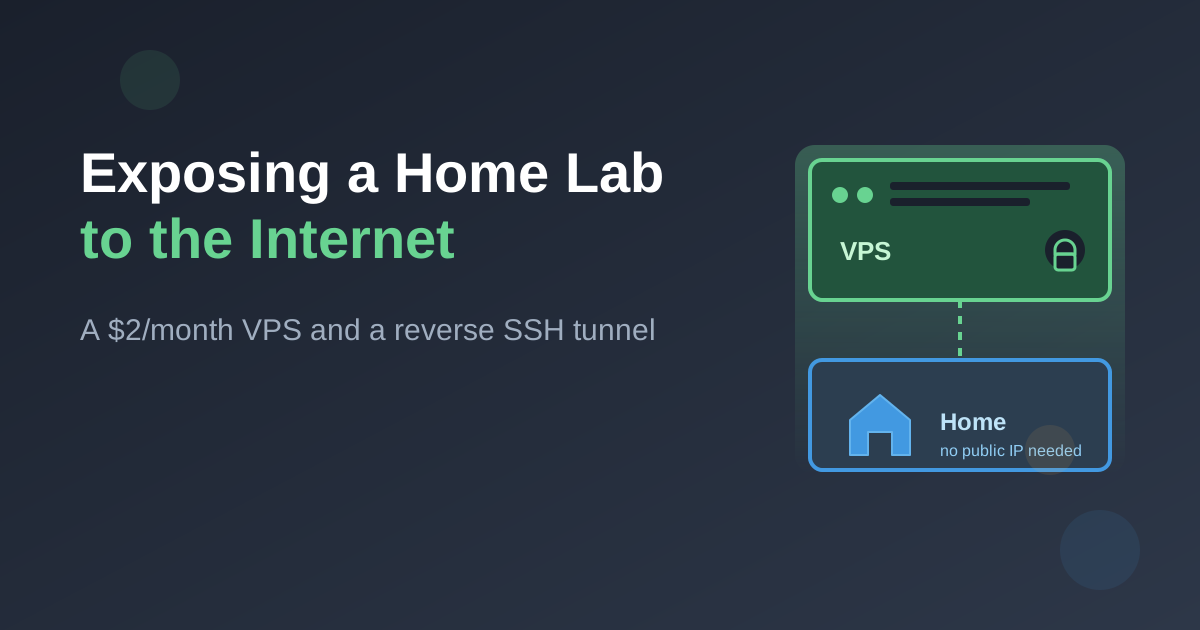
How to publish self-hosted services running on a home server to the public internet using a cheap VPS and a reverse SSH tunnel - no port forwarding, no static IP, no Cloudflare in the middle. Covers the systemd/autossh setup, the double-hop Caddy config, buying a domain, why a static IP from your ISP usually isn't worth it, and using the same VPS as a whole-home VPN.
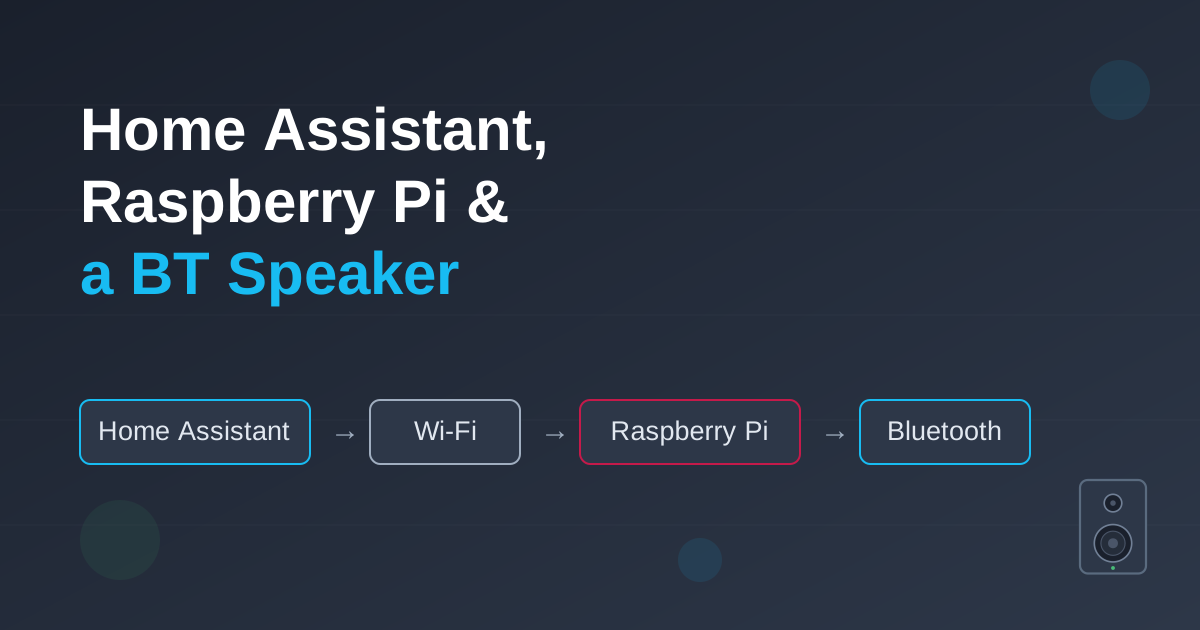
A step-by-step guide to co-opting the Bluetooth speaker inside a PT-BABY cradle and driving it from Home Assistant. We run MPD on a Raspberry Pi parked next to the cot, talk to it over Wi-Fi, and force the flaky Bluetooth link open on demand - so an automation can play a lullaby completely hands-free.
Part 5 of the home lab series. A step-by-step tutorial for building an automated media server with the *arr stack - Jellyfin, Sonarr, Radarr, Prowlarr and a Transmission download client - all on the home lab, behind Caddy.
Part 4 of the home lab series. A step-by-step tutorial for self-hosting Immich - a fast, private Google Photos replacement - on your home lab, including the multi-container compose file, hardware-accelerated machine learning on the Intel N100, a Caddy entry for photos.home.arpa, and backups for the data you can't afford to lose.
Part 3 of the home lab series. A step-by-step tutorial for network-wide ad-blocking with AdGuard Home, a Caddy reverse proxy, and clean local domains like http://photos.home.arpa instead of IP addresses and port numbers - plus how to point your router's DNS at it all.
Part 2 of the home lab series. A step-by-step tutorial that takes a fresh Intel N100 box from a blank Ubuntu install to a Docker host running your first container - organized cleanly and version-controlled with Git.
A comprehensive guide to building an affordable home lab server perfect for learning, self-hosting, and experimentation. Complete hardware recommendations with detailed explanations.
There are cases where checking the type of a variable in a template is necessary.
The `@let` block from Angular 18 allows you to define a variable in a template and reuse it in many places.
Thanks to that Type Narrowing finally works in Angular templates.
By default `MatTabsGroup` opens the first available tab.
We can change it via input, but a more elegant way is
to create a logic to save the selected tab into a URL (thanks to the anchor)
and allow users to send a URL with the already selected tab.
You can test effects using marbles but unfortunately, they are very complicated.
Instead of marbles, you can test your effects using promises without any trade-offs.
When testing RxJS code, you typically want to verify that your
observables emit the expected values in response to certain actions or events.
See how you can cover those cases using async/await approach.
You can find plenty of examples showing how state management libraries work,
few people focus on it why do we need state management and what problems does it cause (solve?).
In this article I will walk you through, step by step,
what common application state issues might look like
applications and how to deal with them regardless
of whether you use because it doesn't matter what you use, only for what purpose.
There is no difference in JS when you split property into declaration
and initialization so you can choose the shortest
version: declare and initialize in the same line.
Unfortunately `hasValidator` does not work well with validators created dynamically
like `Validator.maxLength` but there is a solution
that allows getting information about maxLength value anyway.
Unfortunately `hasValidator` does not work well with validators created dynamically like `Validator.max` but there is a solution that allows getting information about max value anyway.
Tooltip is a message with information that appears
when you hold a cursor over a piece of text, a button, or an icon.
See how to create a tooltip using action in Svelte and @floating-ui for positioning.
Before Angular v15 we had to create guards as a class which was a big boilerplate even though we had simple logic.
Additionally, passing parameters to guard via data was not strict, so we were able to have a typo and the compiler did not throw an error.
Everything changed when Angular v15 comes and provides functional router guards.
Native select element is used to create a drop-down list of options for users to choose from but does not support searching and typeahead.
Because of that, there are situations where developers are forced
to create their own select component.
See how you can implement custom select with searching with typehead.
button is an element that can perform an action or trigger an event when clicked.
It can have one of three types: submit, reset, or button.
In this article, we will take a look at how to add submit button outside a form.
A stepper is a type of input control that allows the user to increment or decrement
a numerical value using predefined steps. See how to create a stepper with lazy loaded steps in Angular.
As a WordPress theme developer, you may encounter situations
where a plugin is required to use a particular functionality on a theme.
In such cases, it's important to check if the required plugin is installed and activated.
If the plugin is not installed, it is nice to display an error message
to inform the user that the feature is not available and that the plugin needs to be installed.
Aliases are a powerful feature in Cypress that allows you to
create references to elements on a web page and use them in subsequent commands.
However, it can be tedious to get multiple aliases one by one,
especially if you need to reference a large number of elements.
See how to write a command to get many aliases at once.
RxJS is a popular library for reactive programming in JavaScript,
and creating custom pipe operators can help simplify complex data transformations.
In this article, we'll explore how to create a custom pipe operator in RxJS.
Unfortunately `hasValidator` does not work well with validators created
dynamically like `Validator.min` but there is a solution that allows getting information about min value anyway.
There are four main types of subjects:
Subject, BehaviorSubject, ReplaySubject, and AsyncSubject.
In this article, we will explore the differences between these four types and when to use each one.
This error message indicates that you are trying to pass an argument of type Interface
to a function or method that expects a value of type Record<string, string>. See how to fix this.
See the list of interview questions and answers for a regular Angular developer position.
The questions cover a good understanding of the Angular framework
Each time you call subscribe method on RxJs Observable, you should (most of the time) also call unsubscribe.
See how you can do it in Angular components.
One of the biggest disadvantages of using environment.env.ts is that you have to rebuild your
application each time you want to change the configuration and build for each environment separately.
But there is a better way where you can download the configuration
file before the application runs, which means: one build - many configurations.
One of trait of lifecycle in components and directives is that, you can not observe it.
If you must do something within one of this lifecycle, you have to declare variable first and then assign value in hook.
This can cause some problems, but there is a very simple solution.
Check how you can omit this in a very easy way.
This article describes a method for automatically adding an asterisk (*)
to required fields in a reactive form using Angular.
It uses the built-in validators in Angular to determine if a field is required
and then uses a component to add the asterisk
to the label of the corresponding form field.